Payment Agent
Perform the following steps to pay agents:
Navigate to Settings ➜ All Settings ➜ Accounting ➜ Agilysys Pay Setup.
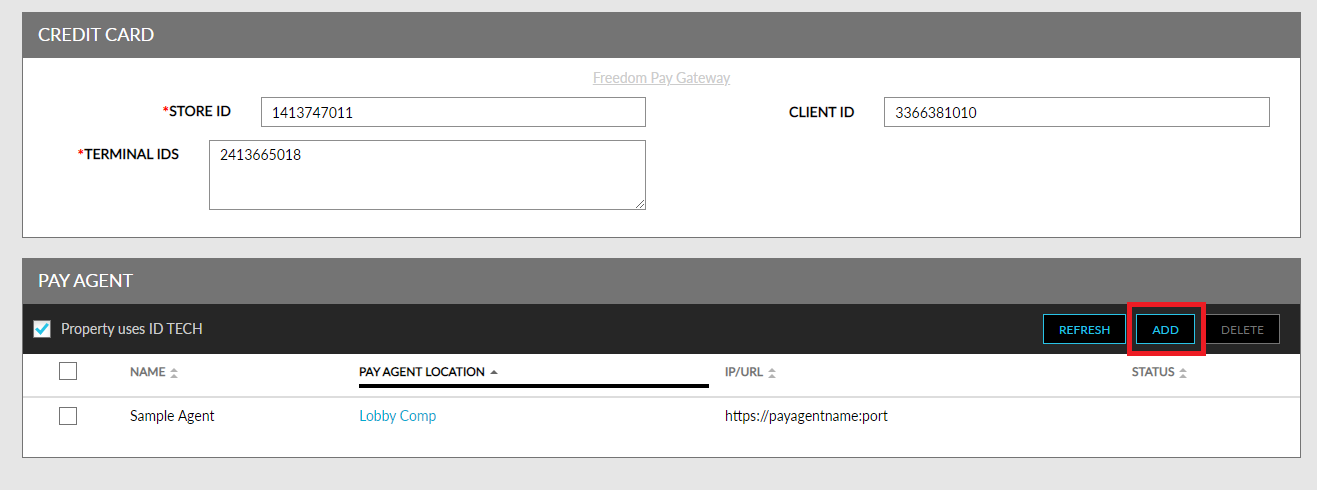
Click Add in the Pay Agent panel.
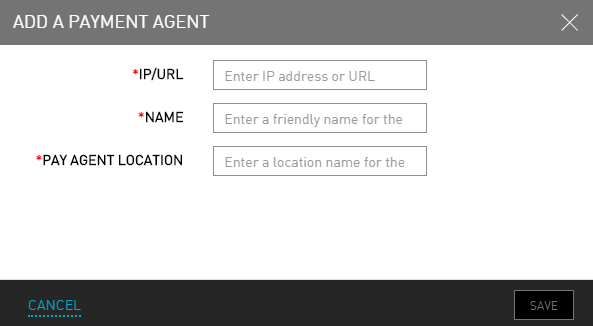
Refer to the following table and fill in the fields in the Add a Payment Agent screen:
|
Field |
Description |
|---|---|
|
IP/URL |
IP address or URL. |
|
Name |
Friendly name for the payment agent. |
|
Pay Agent Location |
Location of the payment agent. |
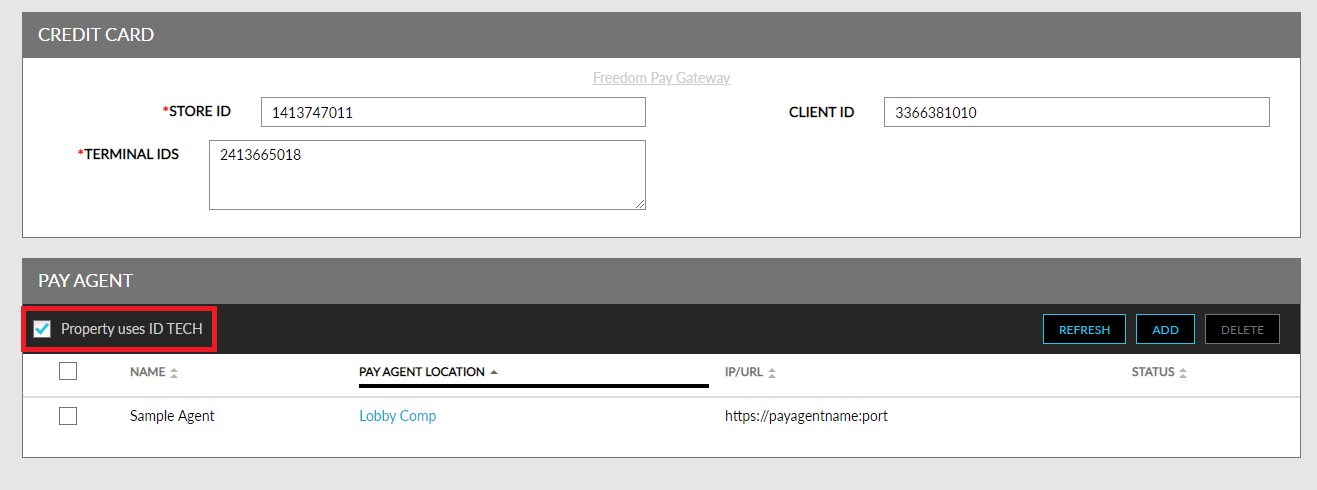
Select the field Property Uses ID Tech if ID Tech device is being used.
Click Save. The payment agent is successfully added.